Every pump.fun profile,
one window.
Each profile keeps its own login. Launch from the built-in wallet, then call out from every wallet holding the coin in one click.
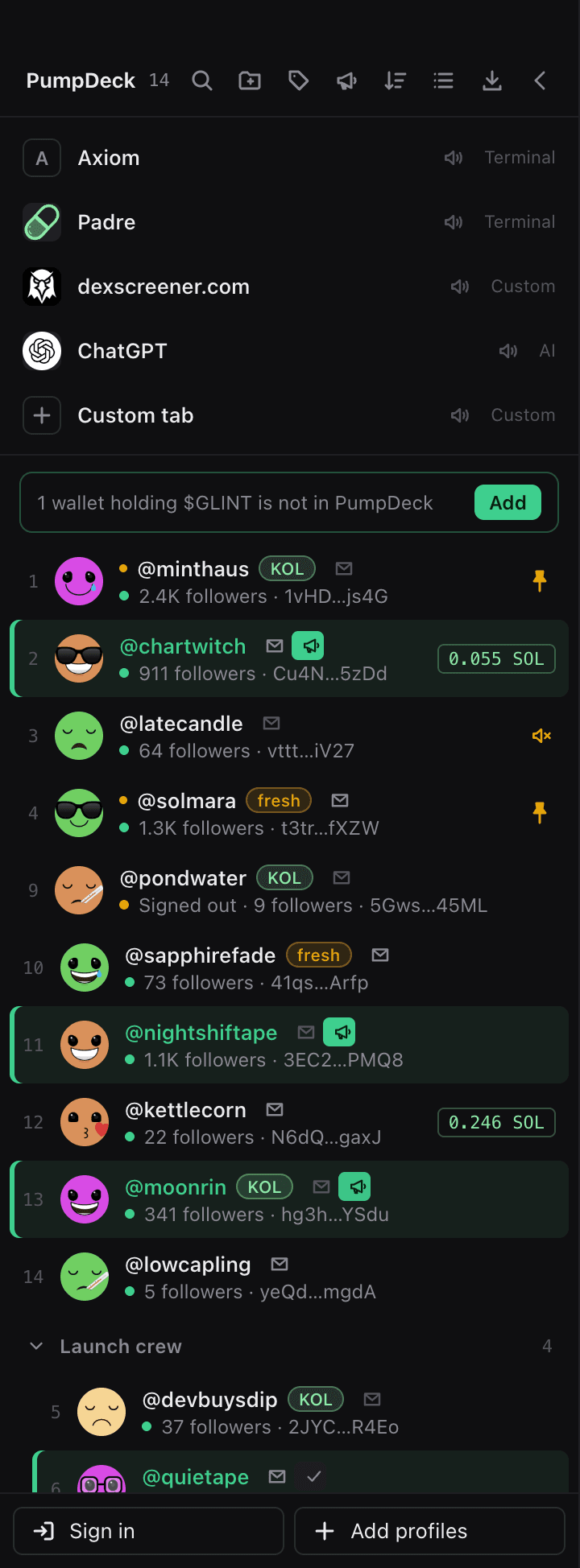
One tab per profile. Nothing shared.
Every profile runs in its own browser session, so twenty logins stay twenty logins. Switch with a click or a shortcut.
The open profile at a glance: coins created, followers, SOL, portfolio and unclaimed creator fees, refreshed every ten minutes.

Folders, labels, pins
Group the launch crew, tag the KOL accounts, pin the ones you use most. Mute any tab that gets loud.
- Folders
- Labels
- Pins
- Mute
Know which email is which
Each profile remembers the email it signs in with. Back everything up to CSV with one shortcut.
From launch to callouts without leaving the window.
- 1
Launch from the wallet
The wallet panel on the right launches and trades. It runs inside PumpDeck, and pump.fun sees it as PumpDeck Wallet.
- 2
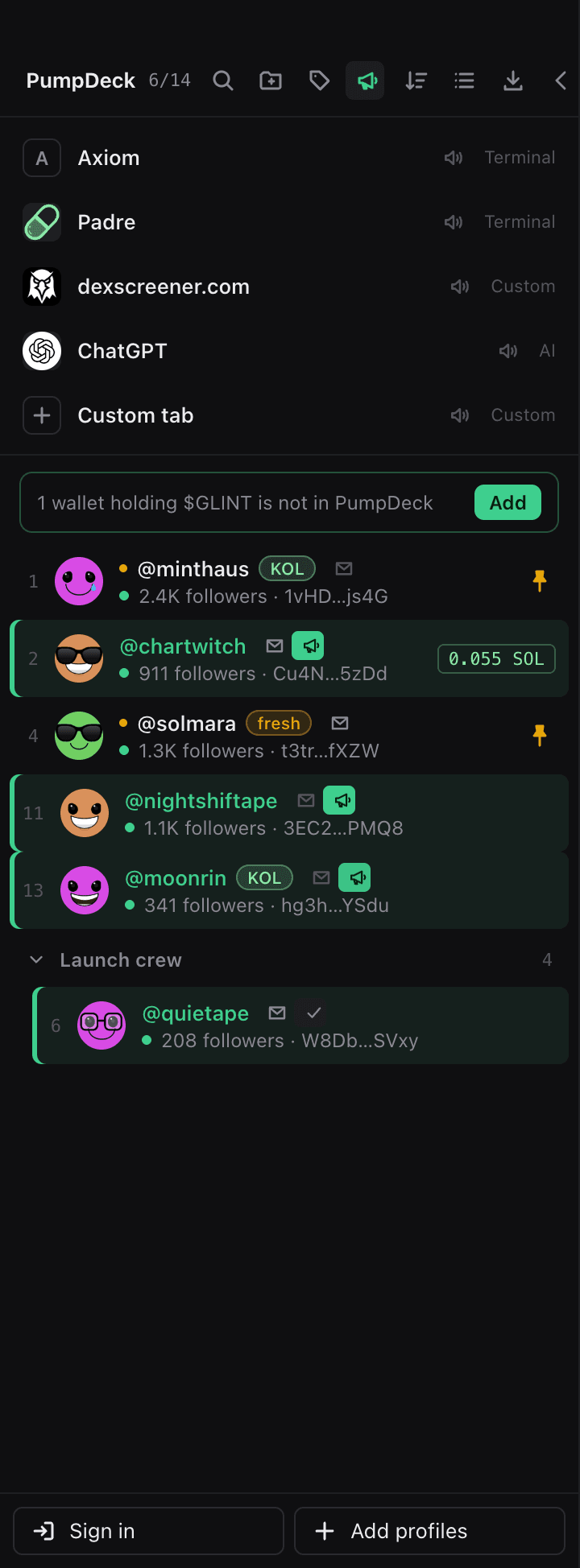
Holders light up
While the coin's trade page is open, every profile whose wallet holds it turns green, live as balances change. Callout mode hides everyone else.
- 3
One click, one callout
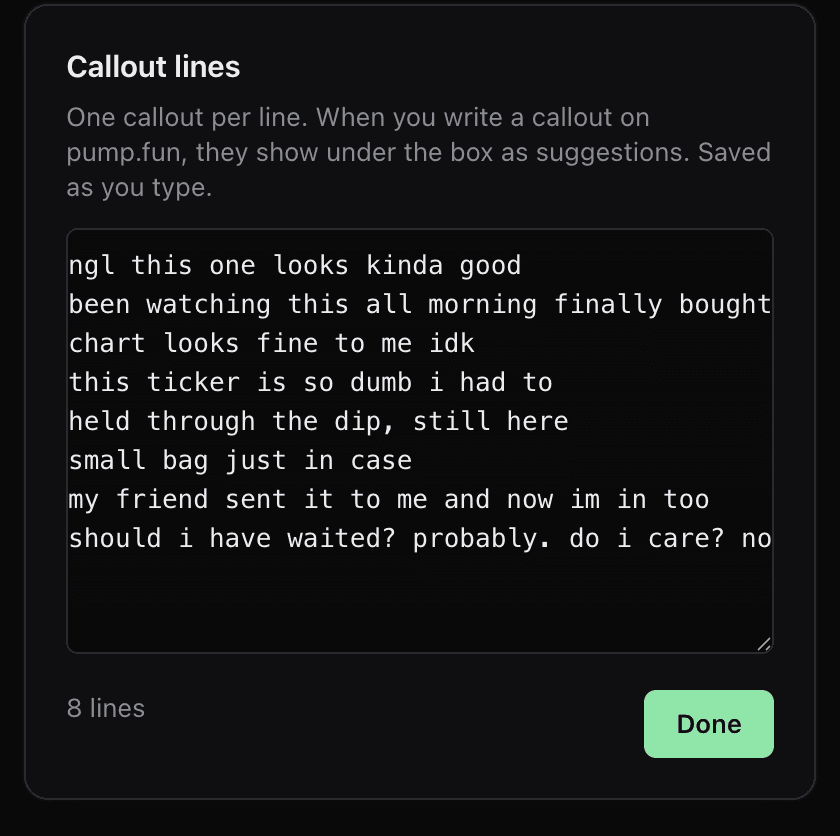
Press the megaphone and that profile posts a line from your list in the background. The tab you are on never moves, and each profile calls a coin once.
Prefer to write it yourself? Your saved lines also drop down under pump.fun's own callout box. Arrow keys and Enter, or a click, and the line is in.
An agent for the busywork. It can't touch your money.
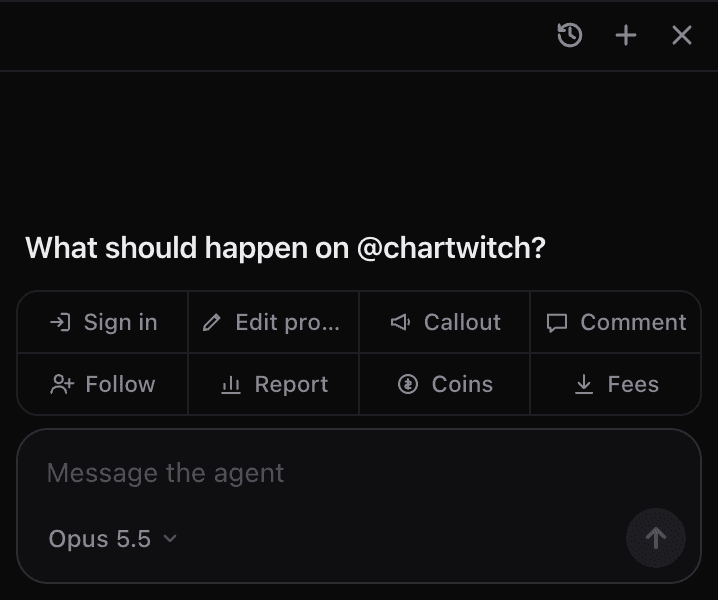
It runs on Claude Code or Codex, if either is on your Mac, and works the profile tabs only. Terminals, the wallet and your other tabs are out of its reach.
Can
- Sign in and switch profiles
- Edit profiles and pictures
- Follow, comment and post callouts
- Read coins, fees and reports
Never
- Buy or sell
- Launch coins
- Send or transfer
- Claim fees
Money actions are refused outright. There is no approve button to talk it past.
The small things a trading day needs.
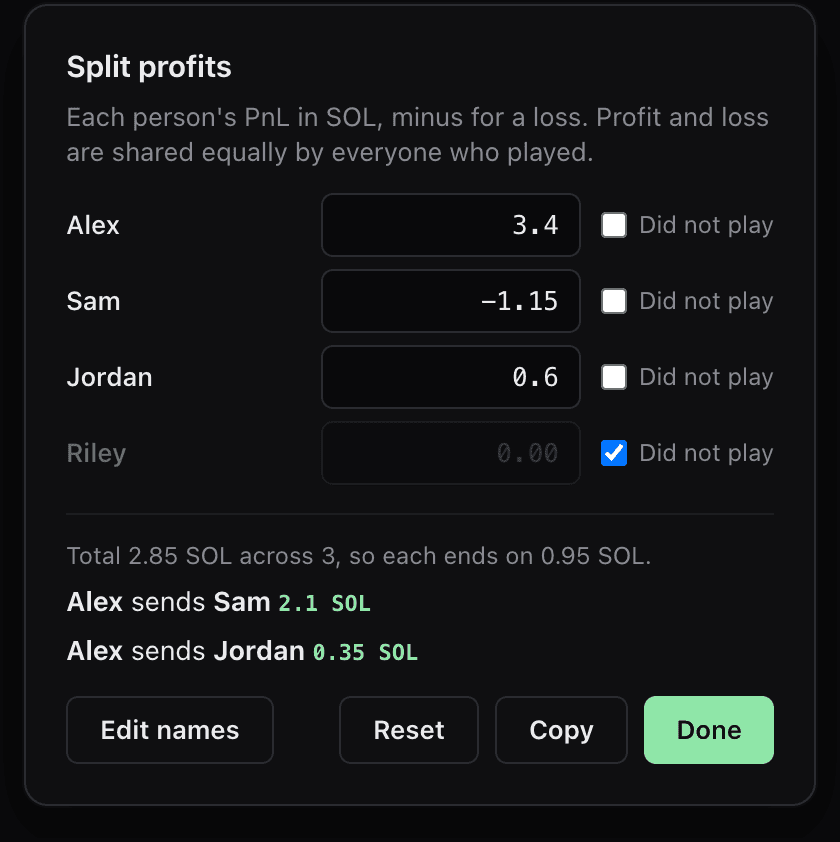
Split profits
Type what each person made or lost. It shares the result evenly and says who sends whom how much SOL.
Top tabs
Axiom, Padre and ChatGPT above your profiles, plus two tabs you point at any site.
Touch ID
Unlock the wallet with your fingerprint instead of typing the password.
Subtabs
Links from a profile open beside it, in the same login, and come back with it.
One zoom
Zoom every page at once from the top bar, and it sticks.
Questions
Do my profiles share anything?
No. Every profile has its own cookies and storage, like a separate browser. Signing in or out of one never touches another.
Where does the wallet live?
On your Mac, encrypted, inside PumpDeck. You unlock it with its password or Touch ID, and every signature goes through its own approval screen.
How does a callout pick its text?
From the lines you save under the megaphone in the top bar, at random, skipping lines another profile already used on that coin.
What do I need to run it?
A Mac with Apple Silicon. The agent is optional and needs Claude Code or Codex installed.
Is PumpDeck part of pump.fun?
No. It is an independent app that opens pump.fun in its tabs, the same way a browser does.
Run the whole crew from one window.
The Mac build is on its way. For Macs with Apple Silicon.